How to Pay Your DEWA Bill in Dubai: Complete Payment Methods Explained
Published :
Last Updated :
- Understanding Your DEWA Bill
- Ways to Pay DEWA Bills
- Pay DEWA Bill Online Through DEWA Website
- Pay DEWA Bill Through DEWA Smart App
- Pay DEWA Bill Using UAE Banking Channels
- Pay DEWA Bill Through Digital Wallets and Smart Services
- Pay DEWA Bill at Self-Service and Physical Locations
- How to Check DEWA Bill Before Payment
- DEWA Bill Due Dates and Late Payment Rules
- Common DEWA Payment Problems and Solutions
- Conclusion
Dubai Electricity and Water Authority (DEWA) was established in 1992 by His Highness Sheikh Maktoum bin Rashid al Maktoum. It supplies electricity and water to all Dubai residents and businesses. It provides several bill payment choices. Online, via the smart app, banking, digital wallet or in person. This guide covers every payment method, bill checking, auto-payment setup, and common issues.
Understanding Your DEWA Bill
Electricity Charges
Electricity charges are related to the amount of electricity consumed, measured in kilowatt-hour (kWh). Rates follow a tiered structure. Higher monthly usage moves into higher rate brackets.
Water Charges
Water charges are based on volume consumed in imperial gallons. Tiered pricing applies. The more water is used, the more it will cost per unit.
Sewerage Charges
Sewerage fees are calculated as a percentage of your water consumption. They appear as a separate line on your bill. The rate is set by Dubai Municipality.
Housing Fee
The housing fee is a Dubai Municipality charge collected via DEWA. It is based on your property's annual rent, split into monthly instalments.
VAT and Additional Charges
VAT at 5% applies to electricity and water charges. The housing fee is VAT-exempt. Additional charges such as service fees may appear occasionally. Review each bill line carefully.
Ways to Pay DEWA Bills
| Payment Method | Processing Time | Available 24/7 | Extra Fees | Best For |
|---|---|---|---|---|
| DEWA Website | Instant | Yes | None | Desktop users |
| DEWA Smart App | Instant | Yes | None | Mobile users |
| Internet Banking | Instant | Yes | Bank-dependent | Existing bank users |
| ATM | Same day | Most ATMs | None | Cash users |
| Auto Payment | Automatic | Yes | None | Regular payers |
| Digital Wallets | Instant | Yes | None | Quick payments |
| Customer Centre | Same day | No | None | Offline preference |
| Kiosks | Instant | Yes | None | 24hr access needed |
Pay DEWA Bill Online Through DEWA Website
Requirements Before Payment
- Active DEWA account number or premise number
- Credit or debit card for payment
- Stable internet connection
- One-time payment limit of AED 750,000
Step-by-Step Payment Process
- Visit dewa.gov.ae and log in with your credentials or UAE Pass
- Go to 'My Account' and select 'Pay Bill'
- Review your current bill amount on screen
- Enter card details and select your payment method
- Confirm payment and download the receipt
Available Payment Methods
- Visa and Mastercard debit and credit cards
- Apple Pay and Samsung Pay via supported browsers
- Direct bank payment through linked accounts
Pay DEWA Bill Through DEWA Smart App
Easy Pay
EasyPay is DEWA's quick online payment service that allows users to pay utility bills without logging into an account. Users only need basic billing details to complete the transaction through the payment portal. The service supports secure digital payments and provides a convenient option for residents who want a fast and simple bill payment process.
Empay
Empay is a digital payment platform in the UAE that allows users to pay DEWA bills through a mobile application. After registering and adding funds or linking a payment method, users can complete utility payments directly from the app. Empay offers a cashless payment experience and helps users manage multiple transactions in one place.
App Features
- View current and past bills in one dashboard
- Pay instantly using saved cards
- Track monthly electricity and water consumption
- Receive push notifications for new bills and due dates
How to Pay Using the App
- Download the DEWA Smart App on iOS or Android
- Log in using UAE Pass or DEWA account credentials
- Tap 'Pay Bill' on the home screen
- Confirm the bill amount and select a payment card
- Complete payment and save the confirmation
Saving Payment Methods
The app lets you save cards for faster payments. Saved cards are stored securely. Bill history for up to 12 months is accessible within the app.
Pay DEWA Bill Using UAE Banking Channels
Internet Banking
Most UAE banks support DEWA payment online. Log in, go to bill payment, search for DEWA, enter your account number, and confirm.
Mobile Banking
All major UAE banks offer DEWA payment through their apps. The banks which are supported are Emirates NBD, ADCB, FAB, Mashreq and DIB. Payments post instantly.
ATM Payments
DEWA bills can be paid at most UAE bank ATMs. Select 'Bill Payment', enter your account number, and pay by debit card or cash.
Auto Payment Setup
Banks let you register DEWA as a recurring payment. Your bill is paid automatically on the due date. Set it up via internet banking or by contacting your bank.
- Auto payment covers the full bill amount each cycle
- Confirmation SMS or email sent after each payment
- Cancel via your bank's online portal anytime
Pay DEWA Bill Through Digital Wallets and Smart Services
UAE Digital Payment Services
DEWA is compatible with Apple Pay, Google Pay and other digital wallets in the UAE. Instant payment processing is used for authentication. In case you have already registered with a wallet, you don't need to register yet again.
Quick Payment Without Login
Some platforms allow DEWA payment without logging in. Enter the account number, confirm the amount and pay through a connected wallet. Best for fast payments on any device.
QR and Contactless Payments
DEWA kiosks support QR codes and contactless payment. Use the code on your bill or at the kiosk. There is no need for an actual card.
Pay DEWA Bill at Self-Service and Physical Locations
Customer Happiness Centres
DEWA Customer Happiness Centres are located across Dubai. Staff handle bill payments and account queries during business hours. Useful for complex account issues.
- Contact: +971-4-601-9999
- Email: [email protected]
Kiosks and Smart Machines
Self-service kiosks at malls, metros and government buildings offer cash, card and contactless payment. Most operate 24 hours.
Exchange and Payment Centres
Licensed exchange and bill payment centres accept DEWA bills in cash. Bring your account number or a copy of your bill to pay at the counter.
How to Set Up Automatic DEWA Bill Payments
Auto Debit Registration
- Log in to the DEWA website or smart app
- Go to 'Account Settings' and select 'Auto Payment'
- Enter card or bank account details and confirm setup
Managing Recurring Payments
Bills are paid automatically on the due date. Change the linked card or account anytime through your DEWA or bank settings.
Cancelling Auto Payments
Cancel through the DEWA website, app, or your bank's portal. Do this at least 3 business days before the due date for the cancellation to take effect.
How to Check DEWA Bill Before Payment
Account Number Method
Log in to dewa.gov.ae with your account number. Your latest bill with a full charge breakdown appears on the dashboard. Download a PDF for your records.
Premise Number Method
Use your premise number if your account number is unavailable. Enter it on the DEWA website or app. Find it in your tenancy contract.
Through Mobile Application
Open the DEWA Smart App and tap 'My Bills'. Current and past bills appear with full charge breakdowns. Pay directly from this screen.
Through Account Dashboard
The DEWA dashboard shows consumption, bill status, payment history, and upcoming due dates. Log in regularly to monitor your account.
DEWA Bill Due Dates and Late Payment Rules
- Bills are generated monthly based on meter readings
- Payment is due within a set number of days after the bill is issued
- Late payment may result in a reconnection fee if service is suspended
- Auto payment is the most reliable way to avoid late fees
Common DEWA Payment Problems and Solutions
Payment Failed
Check card details, available balance, and internet connection. Try an alternate payment method. If the issue continues, contact your bank or DEWA support.
Amount Not Updated
Allow up to 24 hours for payment to reflect. If the balance has not been updated, contact DEWA with your payment reference number.
Wrong Account Selected
Contact DEWA support immediately with your payment reference. DEWA can assist in redirecting the payment to the correct account.
Delayed Confirmation
Look in your spam folder for the confirmation email. Check your DEWA account to see if the payment has been received.
Login Issues
Use 'Forgot Password' on the DEWA website or app. Alternatively, log in with UAE Pass. Contact DEWA support if access remains blocked.
Tips to Manage DEWA Bills Efficiently
- Enable SMS and email notifications to receive bills as soon as they are issued
- Set up auto payment to avoid missing due dates
- Monitor monthly usage in the app to spot unusual spikes
- Download receipts after every payment for your records
- Track seasonal patterns as electricity use rises during Dubai summers
Conclusion
DEWA's ability to offer one of the most flexible bill payment systems in the UAE is what sets it apart. Pay online, through the app, banking, D-Wallet or in person. Most users prefer digital methods. Pick the payment schedule that works best for you, take out the automatic payment as appropriate, and set up your account monthly.
FAQs
Does DEWA accept international cards?
Yes, Dewa accepts international credit cards; however, debit cards are not accepted.
How long does payment confirmation take?
If the payment process is smooth, it takes a few minutes for confirmation.
Can DEWA bills be paid through banking apps?
Yes, Dewa bills can be paid using bank apps and online wallets.
What happens if a DEWA bill remains unpaid?
If your Dewa bill is unpaid, authorities will disconnect your water and electricity supply.




Your gateway to offline planning in the digital realm. Discover a world of real estate opportunities through our immersive offline property website experience
Apartments
Studios
The WOW Tower by Mr. Eight
AED 700,000
Dubai Land Residence Complex
Studio, 1 & 2
377 - 1461 Sq Ft

Apartments
Studios
Native Haus
AED 699,999
Jumeirah Village Triangle
Studio, 1 & 2
403 - 1035 Sq Ft
Apartments
Studios
Sorrento Lagoon Views by DAMAC
AED 689,000
Damac Lagoons
Studio & 1
Apartments
Studios
Samana Downtown One
AED 689,000
Jebel Ali
Studio, 1 & 2
Apartments
Penthouses
Solaya 5 and 7 by Meraas
AED Price on Request
Jumeirah
2, 3, 4 & 5
Apartments
Penthouses
The Bay Interiors by Missoni
AED 2,750,000
Dubai Islands
2, 3 & 4
1007 - 3542 Sq Ft
Apartments
Studios
The WOW Tower by Mr. Eight
AED 700,000
Dubai Land Residence Complex
Studio, 1 & 2
377 - 1461 Sq Ft
Apartments
Studios
Native Haus
AED 699,999
Jumeirah Village Triangle
Studio, 1 & 2
403 - 1035 Sq Ft
Apartments
Studios
Sorrento Lagoon Views by DAMAC
AED 689,000
Damac Lagoons
Studio & 1
Apartments
Penthouses
Solaya 5 and 7 by Meraas
AED Price on Request
Jumeirah
2, 3, 4 & 5
Apartments
Penthouses
The Bay Interiors by Missoni
AED 2,750,000
Dubai Islands
2, 3 & 4
1007 - 3542 Sq Ft
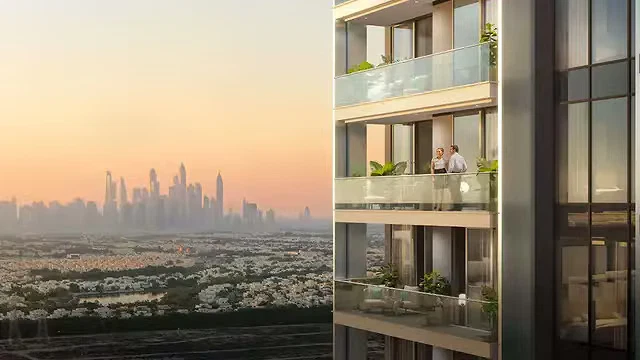
Apartments
Object 1 Lum1nar Towers
AED Price on Request
Jumeirah Village Triangle
Studio, 1, 2 & 3
355 - 1983 Sq Ft
Commercial
O1NE District Dawn by Avenew
AED Price on Request
Motor City

Commercial
Piazza Roma by DAMAC
AED Price on Request
Damac Lagoons
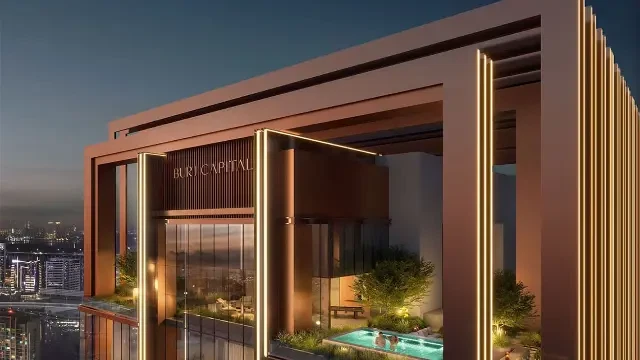
Commercial
Burj Capital Phase 3 by Centurion Properties
AED Price on Request
Business Bay

Apartments
Commercial
Penthouses
The Symphony by Imtiaz
AED 2,000,000
Meydan
1, 2 & 3
640 - 4244

Apartments
Commercial
Sol Luxe Tower
AED 1,900,000
Sheikh Zayed Road
1, 2 & 3
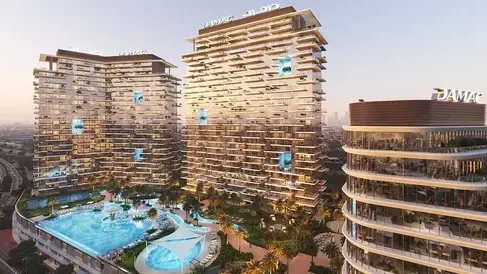
Apartments
Commercial
DAMAC District
AED 1,142,000
Damac hills
1 & 2
740 - 6588 Sq Ft
Apartments
Duplexes
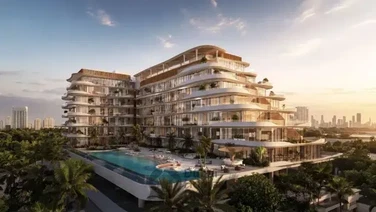
Rabdan Avenue
AED 1,300,000
Meydan
1, 2 & 3
687 - 2937 Sq Ft
Apartments
Duplexes
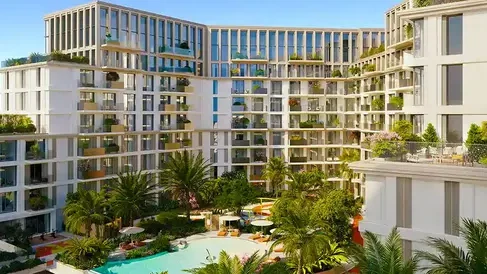
Modo at Avenew 888
AED Price on Request
Dubai South
1, 2 & 3
Apartments
Duplexes
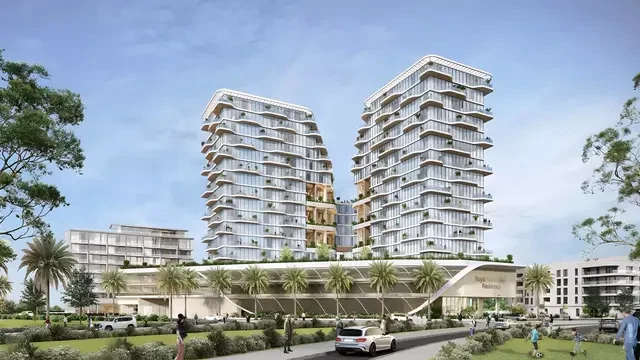
Royal Yacht Club Residence by Azimuth Development
AED Price on Request
Dubai Islands
1, 2, 3 & 4
720 - 3909 Sq Ft
Apartments
Studios
Duplexes
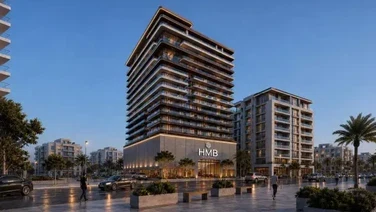
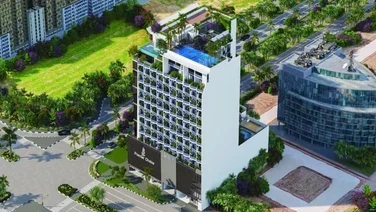
Beverly Crown by HMB Homes
AED 680,000
Jumeirah Village Circle
Studio, 1 & 2
438 - 2321 Sq Ft
Apartments
Duplexes
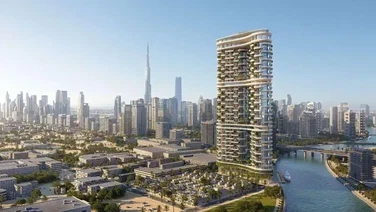
Gateway Residences by Premier Choice
AED 1,164,000
Jumeirah Village Circle
1, 2 & 3
748 - 2352 Sq Ft
Apartments
Villas
Penthouses
Duplexes
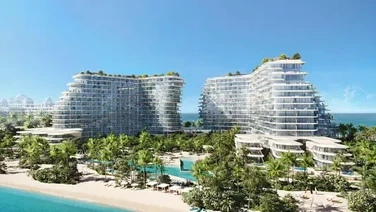
Amali Residences
AED 14,500,000
Dubai Water Canal
2, 3, 4, 5 & 6
2880 - 21000 Sq Ft
Apartments
Penthouses
Mansions
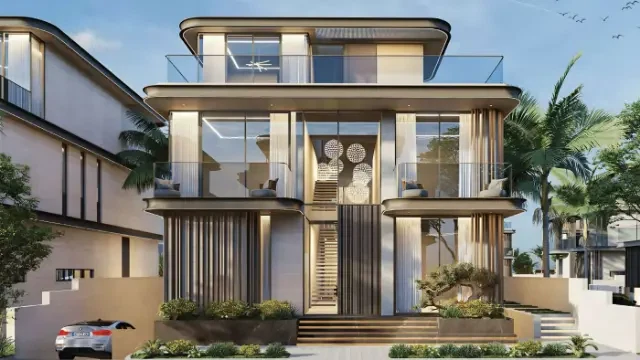
Bella by Passo
AED Price on Request
Palm Jumeirah
1, 2, 3, 4, 5 & 6
1541 - 12382 Sq Ft
Villas
Mansions
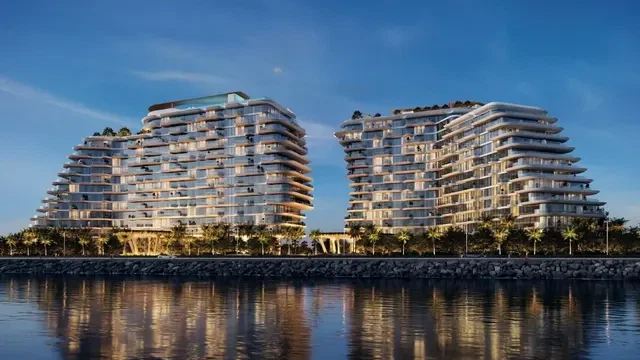
Wellington Grand Villas
AED 20,000,000
Mohammed bin Rashid City
5 & 6
13,007 - 13,568 Sq Ft
Apartments
Penthouses
Mansions
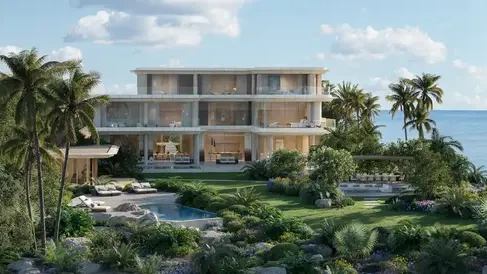
Passo by Beyond
AED 5,500,000
Palm Jumeirah
1, 2, 3, 4, 5 & 6
940 - 11830 Sq Ft
Mansions
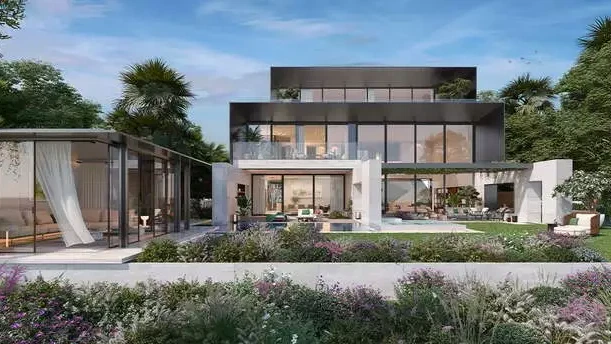
Asora Bay Ocean Mansions by Meraas
AED 65,000,000
Jumeirah
7
41550 - 49062 Sq Ft
Mansions
Majid Al Futtaim Bo Monde
AED Price on Request
Tilal Al Ghaf
6 & 7
Mansions
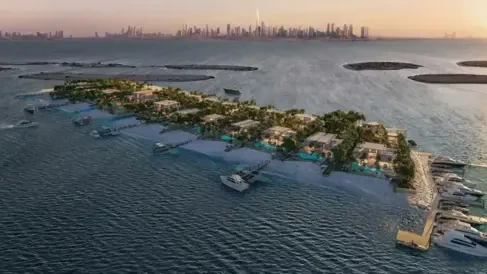
Maldives at Damac Islands
AED Price on Request
Damac Islands
Apartments
Penthouses
The Bay Interiors by Missoni
AED 2,750,000
Dubai Islands
2, 3 & 4
1007 - 3542 Sq Ft
Apartments
Penthouses
Solaya 5 and 7 by Meraas
AED Price on Request
Jumeirah
2, 3, 4 & 5
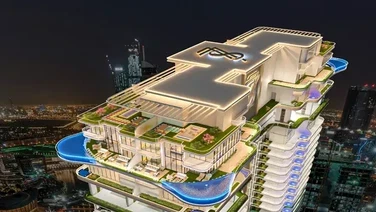
Apartments
Penthouses
77S Tower
AED Price on Request
Business Bay
1, 2, 3, 4 & 5
876 - 6500 Sq Ft
Apartments
Villas
Penthouses
Duplexes
Amali Residences
AED 14,500,000
Dubai Water Canal
2, 3, 4, 5 & 6
2880 - 21000 Sq Ft
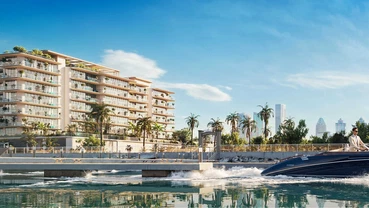
Apartments
Penthouses
Le Chateau Pietrus by Mr. Eight
AED 3,900,000
Dubai Islands
2, 3 & 4
1017 - 7008 Sq Ft
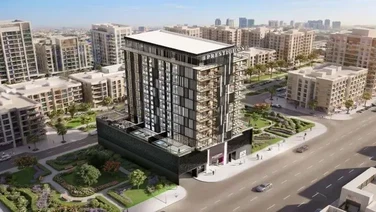
Apartments
Penthouses
Fauchon Residences by Prestige One Developments
AED Price on Request
Jumeirah Garden City
Studio, 1 & 2
1026 - 2255 Sq Ft
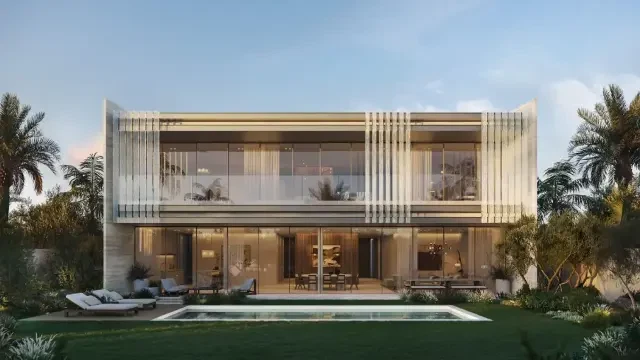
Apartments
Studios
The WOW Tower by Mr. Eight
AED 700,000
Dubai Land Residence Complex
Studio, 1 & 2
377 - 1461 Sq Ft
Apartments
Studios
Native Haus
AED 699,999
Jumeirah Village Triangle
Studio, 1 & 2
403 - 1035 Sq Ft
Apartments
Studios
Sorrento Lagoon Views by DAMAC
AED 689,000
Damac Lagoons
Studio & 1
Apartments
Studios
Samana Downtown One
AED 689,000
Jebel Ali
Studio, 1 & 2
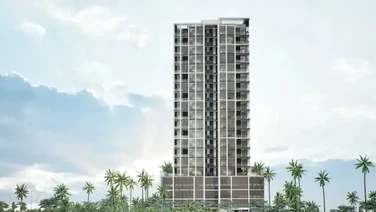
Apartments
Studios
Valore by SRG
AED 699,000
Jumeirah Village Circle
Studio, 1, 2 & 3
470 - 1805 Sq Ft
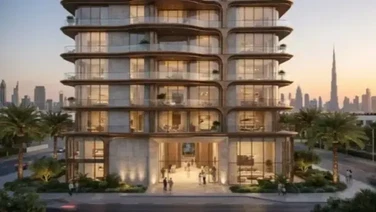
Apartments
Studios
Fala by Kasco
AED Price on Request
Al Jaddaf
Studio, 1, 2 & 3
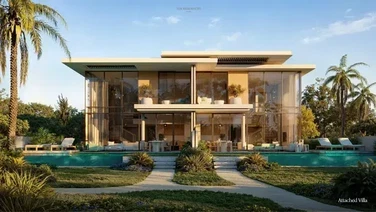
Villas
Townhouses
Bay Estate by Nakheel
AED 5,900,000
Dubai Islands
3 & 4
3054 - 11059 Sq Ft
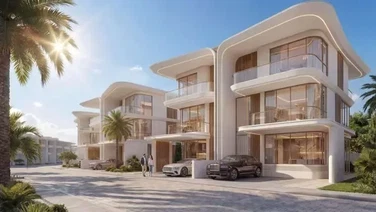
Villas
Townhouses
Greenz by Danube
AED 3,500,000
Academic City
3, 4 & 5
2400 - 3950 Sq Ft
Villas
Townhouses
Meraas Nad Al Sheba Gardens 12
AED Price on Request
Nad Al Sheba
Apartments
Townhouses
EMAAR Golf Trails
AED 1,250,000
Emaar South
1, 2 & 3
719 - 2603 Sq Ft
Townhouses
Verdana 9 Townhouses by Reportage
AED Price on Request
Dubai Investments Park
2, 3 & 4
Townhouses
Hayat 1 by Dubai South Properties
AED Price on Request
Dubai South
Villas
Townhouses
Bay Estate by Nakheel
AED 5,900,000
Dubai Islands
3 & 4
3054 - 11059 Sq Ft
Villas
Townhouses
Greenz by Danube
AED 3,500,000
Academic City
3, 4 & 5
2400 - 3950 Sq Ft
Apartments
Villas
Penthouses
Duplexes
Amali Residences
AED 14,500,000
Dubai Water Canal
2, 3, 4, 5 & 6
2880 - 21000 Sq Ft
Villas
Townhouses
Meraas Nad Al Sheba Gardens 12
AED Price on Request
Nad Al Sheba
Apartments
Villas
The Wilds 3 by Aldar
AED Price on Request
Dubailand
Villas
Fleur de Jardin Villas by AMIS
AED Price on Request
Mohammed bin Rashid City
5 & 6