How to Check Emirates ID Status in the UAE: Step-by-Step Guide
Published :
Last Updated :
- What You Need Before You Start
- Which Method Should You Use?
- Understanding Your Emirates ID Status Message
- Closing In
For most UAE residents, it is essential to get the status of their Emirates ID application or renewal at some point. This is quicker and easier than anyone believes. The four main ways of checking are: online (ICP portal), ICP Smart Services app, SMS, and in person at a service or typing centre.
This blog explains each of the four methods clearly, the meanings of each status message, and tips on what to do if your app seems to be taking longer than anticipated.
What You Need Before You Start
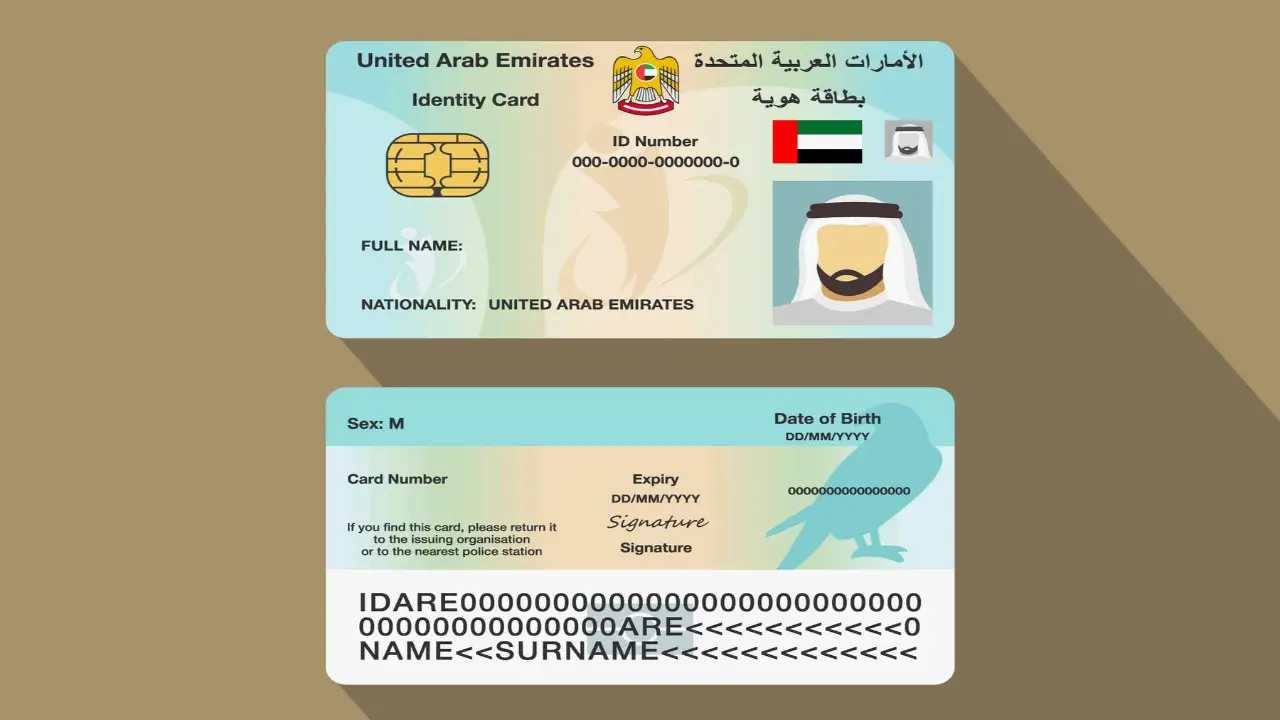
Have one of the following ready before you begin your status check:
- Your Emirates ID application number, printed on your application receipt or fee payment confirmation
- Your Emirates ID card number, the 15-digit number on the front of your existing card, used for renewal tracking
- Your passport number, accepted as an alternative identifier on some ICP channels
- Your UAE mobile number, required for the SMS-based check
Your application number is the fastest and most reliable identifier across all channels. If it is not available, look in the email or SMS confirmation you received when you submitted the application in your typing centre.
Method 1: Check Emirates ID Status Online via the ICP Portal
The quickest way to check the status is through the ICP website. It's always free; no account or login required.
Follow these steps:
- Open a browser and go to the official ICP website: icp.gov.ae
- Select "Our Services" from the top navigation menu
- Choose "Emirates ID" from the service categories listed
- Click "Track Emirates ID" or navigate to the status check page
- Enter your application number or Emirates ID card number in the search field
- Select your preferred language, Arabic or English
- Click "Search" or "Check Status"
- Your current application status appears on the results screen
It is not necessary to register on the ICP portal to check for an initial status. If you receive an error when you enter your application number, check that you are entering the number from your application receipt, and not the number from a payment transaction.
Method 2: Check Emirates ID Status via the ICP Smart Services App
The status information is the same on the website as it is on the ICP Smart Services app, but with the added benefit of push notification support, which is helpful when your card is nearing delivery.
Follow these steps:
- Download the ICP Smart Services App from the Apple App Store / Google Play Store.
- Open the app and register or log in using your UAE Pass credentials
- Select "Track Application" from the main menu
- Enter your application number or Emirates ID card number
- Tap "Search" to retrieve your current status
- Your status and the current processing stage appear on the results screen
Enable push notifications when you first log in. The app can send you an alert the moment your status changes. For example, when your card moves from Printing to Ready for Collection. This removes the need to check manually and is particularly useful during the final 48 to 72 hours of the delivery window.
Method 3: Check Emirates ID Status by SMS
SMS method is not an internet-based method and is available at any time. It's the quickest to check when out of a browser or don't have the app.
- Open the messaging app on your UAE mobile phone
- Create a new SMS message addressed to 2500, the official Emirates ID SMS service number
- Type your Emirates ID application number as the message body, excluding any spaces or dashes
- Send the message
- You will receive an automated SMS reply within two to five minutes confirming your current status
SMS charges will apply. There can be errors if you enter numbers with spaces. Only numeric application numbers (2500) are accepted, any characters will cause an error or no response.
Method 4: Check Emirates ID Status In Person
In-person status checks are available for residents who cannot access the online portal or SMS method, or who need assistance with a query that requires a staff member.
You can attend:
- ICP service centres, located in each emirate; bring your passport or existing Emirates ID as identification
- Authorised typing centres, most can perform a status check on your behalf for a small service fee, typically AED 10 to AED 30
- AMER and TASHEEL centres, government service centres in Dubai and other emirates that handle Emirates ID queries alongside residency and visa services
In-person checks retrieve the same status information available through the online portal and app. They do not accelerate processing or change your position in the queue. Use this route when you need to clarify a rejected or incomplete status or when you require assistance submitting additional documents.
Which Method Should You Use?
| Method | Speed | Available | Login Required | Best For |
|---|---|---|---|---|
| ICP Website | Instant | 24/7 | No | Quick one-off check |
| ICP Smart Services App | Instant + alerts | 24/7 | Yes (UAE Pass) | Ongoing tracking |
| SMS (2500) | 2 - 5 minutes | 24/7 | No | No internet access |
| In Person (ICP / Typing Centre) | Same day | Office hours | No | Assisted queries |
For a single quick check with no setup required, the ICP website or SMS method is the fastest route. For ongoing tracking during the final stages of processing, the ICP Smart Services app is the most practical option because of its push notification support.
Understanding Your Emirates ID Status Message
This is the section most people need most. Knowing what each status message means prevents unnecessary anxiety and tells you exactly whether any action is required on your part:
| Method | Speed | Available |
|---|---|---|
| Under Process | Application received and being reviewed by ICP | None, allow standard processing time |
| Approved | Application approved and card being prepared for printing | None, await printing confirmation |
| Printing | Card is being printed at the ICP card production centre | None, delivery expected within 3 to 5 working days |
| Ready for Collection | Card printed and available at your designated post office or typing centre | Collect using passport or existing Emirates ID |
| Delivered | Card dispatched or delivered to your registered address | Check your mailbox or building reception |
| Rejected | Application has not been approved; reason recorded on ICP system | Contact ICP or typing centre, correct the issue, and resubmit |
| Incomplete | Additional documents or information required to proceed | Check the ICP portal for the specific documents requested |
What to Do If Your Emirates ID Status Has Not Changed
- Confirm that your application fee payment was fully processed
- Return to the ICP website or app and check your status again using both your application number and your passport number
- Contact the ICP call centre on 600 522222
- Visit the typing centre where you submitted your original application
- Submit a formal inquiry through the ICP Smart Services app or the icp.gov.ae website using the Contact Us or Inquiry Submission function
Emirates ID Delivery: What Happens After Approval
Once your status moves to Printing or Ready for Collection, the card delivery process works as follows:
- Emirates IDs are delivered through Emirates Post to the address registered on your application
- If you are not home at the time of delivery, a collection card is left, and your Emirates ID is held at the nearest Emirates Post branch for up to 30 days
- Bring your original passport or existing Emirates ID to collect from the post office
- You can also update your preferred delivery address or request collection at an ICP service centre at the time of application, not after submission
- Emirates ID cards are not delivered to PO boxes; a building flat or villa number is required for successful delivery
Closing In
Once you have your Emirates ID Application No., it only takes less than two minutes to check your Emirates ID status. The ICP website and SMS method are the fastest routes for a single check with no setup required. During the final stages of processing, the ICP Smart Services app is a better choice to track ongoing progress.
FAQs
How long does an Emirates ID take to process?
Generally, new Emirates ID applications take 5-10 working days to be processed and delivered. Renewals during standard non-peak periods are often completed in 3 to 5 working days.
Can I check my Emirates ID status without an application number?
Yes. The ICP portal and app both accept your passport number as an alternative identifier when an application number is not available.
What happens if my Emirates ID application is rejected?
A rejected status indicates that ICP has determined that there is a problem with your application, such as a mismatch in documents, an outdated supporting document, or a data entry error.
Can I travel while my Emirates ID renewal is in process?
Yes, in most cases. While renewing an Emirates ID, UAE residents can travel with their valid passport.
Can one sign a tenancy contract without an Emirates ID?
Signing a tenancy contract in Dubai, Abu Dhabi, or Sharjah requires a valid Emirates ID from both the landlord and the tenant.



Your gateway to offline planning in the digital realm. Discover a world of real estate opportunities through our immersive offline property website experience
Apartments
Studios
The WOW Tower by Mr. Eight
AED 700,000
Dubai Land Residence Complex
Studio, 1 & 2
377 - 1461 Sq Ft

Apartments
Studios
Native Haus
AED 699,999
Jumeirah Village Triangle
Studio, 1 & 2
403 - 1035 Sq Ft
Apartments
Studios
Sorrento Lagoon Views by DAMAC
AED 689,000
Damac Lagoons
Studio & 1
Apartments
Studios
Samana Downtown One
AED 689,000
Jebel Ali
Studio, 1 & 2
Apartments
Penthouses
Solaya 5 and 7 by Meraas
AED Price on Request
Jumeirah
2, 3, 4 & 5
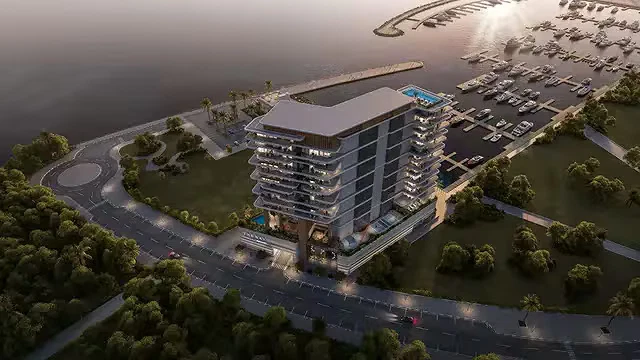
Apartments
Penthouses
The Bay Interiors by Missoni
AED 2,750,000
Dubai Islands
2, 3 & 4
1007 - 3542 Sq Ft
Apartments
Studios
The WOW Tower by Mr. Eight
AED 700,000
Dubai Land Residence Complex
Studio, 1 & 2
377 - 1461 Sq Ft
Apartments
Studios
Native Haus
AED 699,999
Jumeirah Village Triangle
Studio, 1 & 2
403 - 1035 Sq Ft
Apartments
Studios
Sorrento Lagoon Views by DAMAC
AED 689,000
Damac Lagoons
Studio & 1
Apartments
Penthouses
Solaya 5 and 7 by Meraas
AED Price on Request
Jumeirah
2, 3, 4 & 5
Apartments
Penthouses
The Bay Interiors by Missoni
AED 2,750,000
Dubai Islands
2, 3 & 4
1007 - 3542 Sq Ft
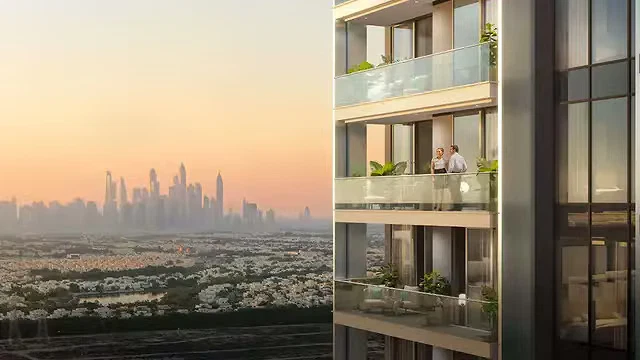
Apartments
Object 1 Lum1nar Towers
AED Price on Request
Jumeirah Village Triangle
Studio, 1, 2 & 3
355 - 1983 Sq Ft

Commercial
O1NE District Dawn by Avenew
AED Price on Request
Motor City

Commercial
Piazza Roma by DAMAC
AED Price on Request
Damac Lagoons
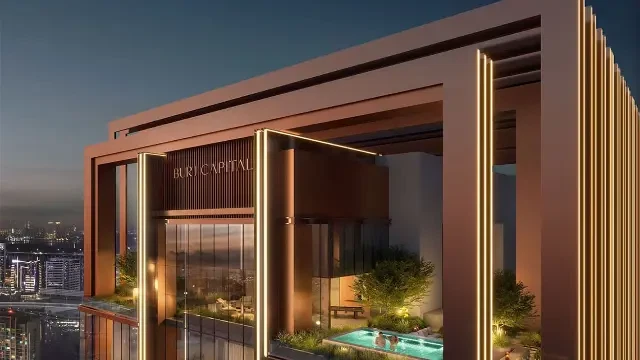
Commercial
Burj Capital Phase 3 by Centurion Properties
AED Price on Request
Business Bay

Apartments
Commercial
Penthouses
The Symphony by Imtiaz
AED 2,000,000
Meydan
1, 2 & 3
640 - 4244
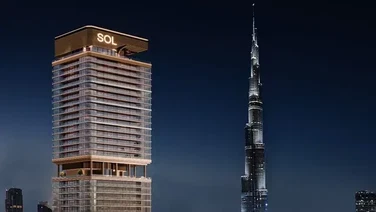
Apartments
Commercial
Sol Luxe Tower
AED 1,900,000
Sheikh Zayed Road
1, 2 & 3
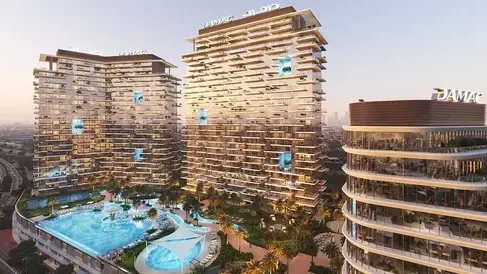
Apartments
Commercial
DAMAC District
AED 1,142,000
Damac hills
1 & 2
740 - 6588 Sq Ft
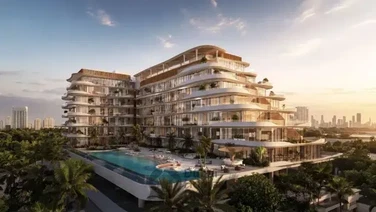
Apartments
Duplexes
Rabdan Avenue
AED 1,300,000
Meydan
1, 2 & 3
687 - 2937 Sq Ft
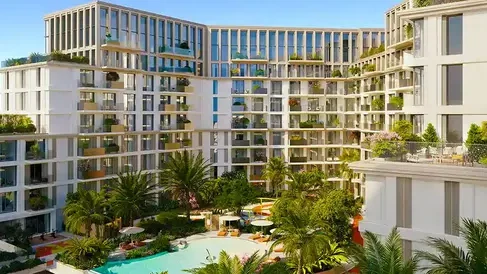
Apartments
Duplexes
Modo at Avenew 888
AED Price on Request
Dubai South
1, 2 & 3
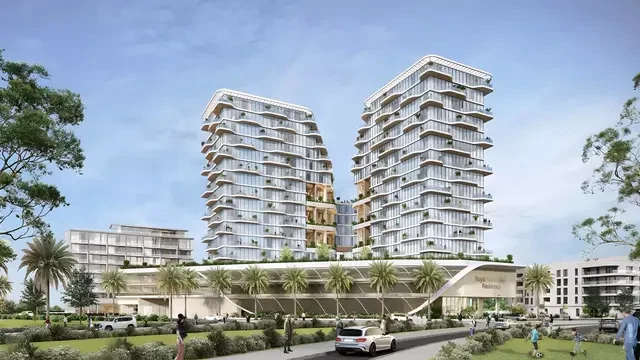
Apartments
Duplexes
Royal Yacht Club Residence by Azimuth Development
AED Price on Request
Dubai Islands
1, 2, 3 & 4
720 - 3909 Sq Ft
Apartments
Studios
Duplexes
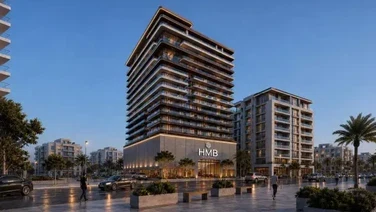
Beverly Crown by HMB Homes
AED 680,000
Jumeirah Village Circle
Studio, 1 & 2
438 - 2321 Sq Ft
Apartments
Duplexes
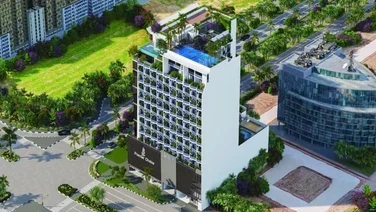
Gateway Residences by Premier Choice
AED 1,164,000
Jumeirah Village Circle
1, 2 & 3
748 - 2352 Sq Ft
Apartments
Villas
Penthouses
Duplexes
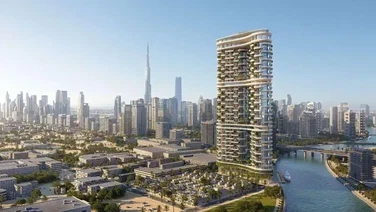
Amali Residences
AED 14,500,000
Dubai Water Canal
2, 3, 4, 5 & 6
2880 - 21000 Sq Ft
Apartments
Penthouses
Mansions
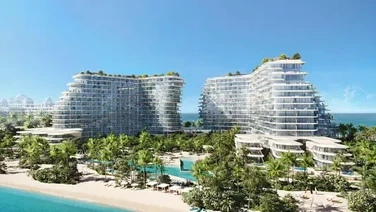
Bella by Passo
AED Price on Request
Palm Jumeirah
1, 2, 3, 4, 5 & 6
1541 - 12382 Sq Ft
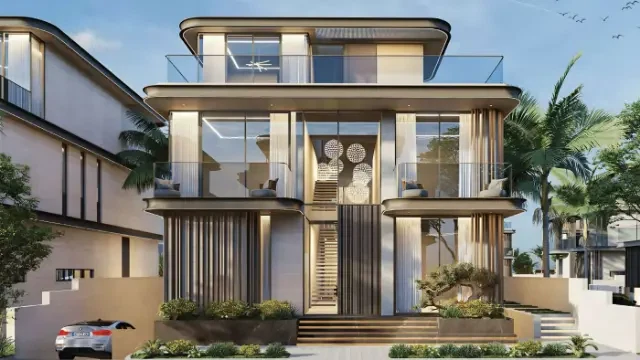
Villas
Mansions
Wellington Grand Villas
AED 20,000,000
Mohammed bin Rashid City
5 & 6
13,007 - 13,568 Sq Ft
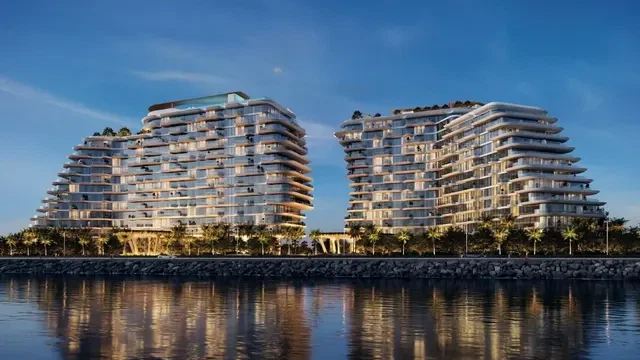
Apartments
Penthouses
Mansions
Passo by Beyond
AED 5,500,000
Palm Jumeirah
1, 2, 3, 4, 5 & 6
940 - 11830 Sq Ft
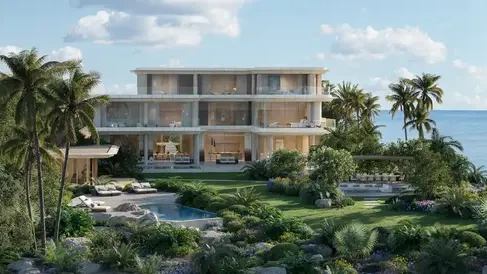
Mansions
Asora Bay Ocean Mansions by Meraas
AED 65,000,000
Jumeirah
7
41550 - 49062 Sq Ft
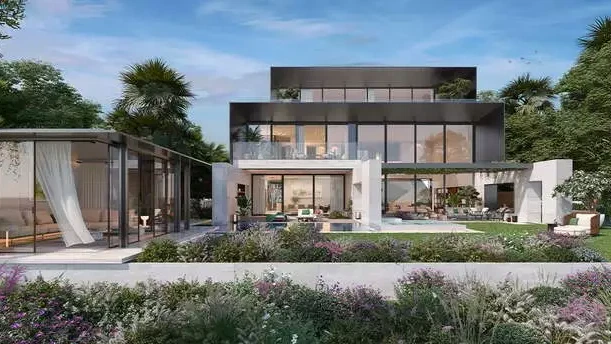
Mansions
Majid Al Futtaim Bo Monde
AED Price on Request
Tilal Al Ghaf
6 & 7
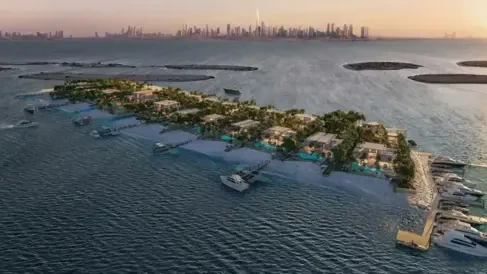
Mansions
Maldives at Damac Islands
AED Price on Request
Damac Islands
Apartments
Penthouses
The Bay Interiors by Missoni
AED 2,750,000
Dubai Islands
2, 3 & 4
1007 - 3542 Sq Ft
Apartments
Penthouses
Solaya 5 and 7 by Meraas
AED Price on Request
Jumeirah
2, 3, 4 & 5
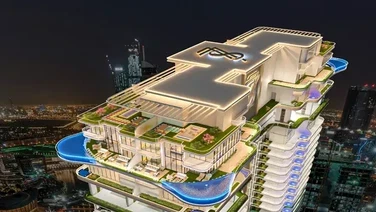
Apartments
Penthouses
77S Tower
AED Price on Request
Business Bay
1, 2, 3, 4 & 5
876 - 6500 Sq Ft
Apartments
Villas
Penthouses
Duplexes
Amali Residences
AED 14,500,000
Dubai Water Canal
2, 3, 4, 5 & 6
2880 - 21000 Sq Ft
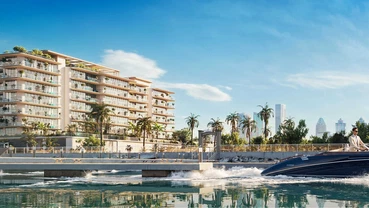
Apartments
Penthouses
Le Chateau Pietrus by Mr. Eight
AED 3,900,000
Dubai Islands
2, 3 & 4
1017 - 7008 Sq Ft
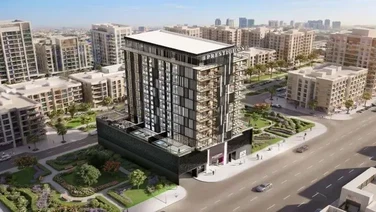
Apartments
Penthouses
Fauchon Residences by Prestige One Developments
AED Price on Request
Jumeirah Garden City
Studio, 1 & 2
1026 - 2255 Sq Ft
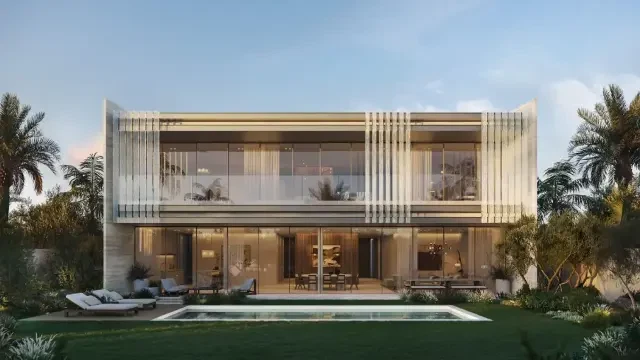
Apartments
Studios
The WOW Tower by Mr. Eight
AED 700,000
Dubai Land Residence Complex
Studio, 1 & 2
377 - 1461 Sq Ft
Apartments
Studios
Native Haus
AED 699,999
Jumeirah Village Triangle
Studio, 1 & 2
403 - 1035 Sq Ft
Apartments
Studios
Sorrento Lagoon Views by DAMAC
AED 689,000
Damac Lagoons
Studio & 1
Apartments
Studios
Samana Downtown One
AED 689,000
Jebel Ali
Studio, 1 & 2
Apartments
Studios
Valore by SRG
AED 699,000
Jumeirah Village Circle
Studio, 1, 2 & 3
470 - 1805 Sq Ft
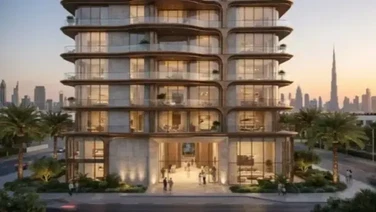
Apartments
Studios
Fala by Kasco
AED Price on Request
Al Jaddaf
Studio, 1, 2 & 3
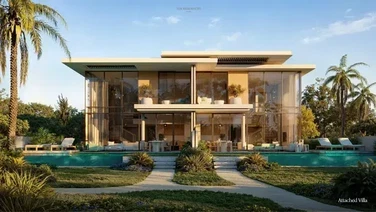
Villas
Townhouses
Bay Estate by Nakheel
AED 5,900,000
Dubai Islands
3 & 4
3054 - 11059 Sq Ft
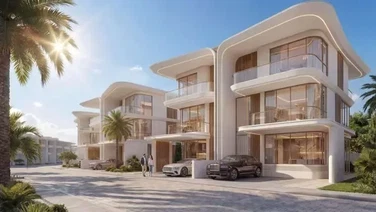
Villas
Townhouses
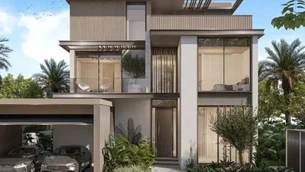
Greenz by Danube
AED 3,500,000
Academic City
3, 4 & 5
2400 - 3950 Sq Ft
Villas
Townhouses
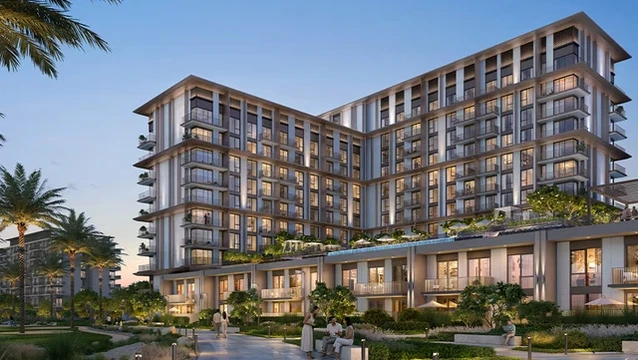
Meraas Nad Al Sheba Gardens 12
AED Price on Request
Nad Al Sheba
Apartments
Townhouses
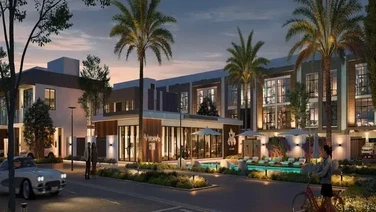
EMAAR Golf Trails
AED 1,250,000
Emaar South
1, 2 & 3
719 - 2603 Sq Ft
Townhouses
Verdana 9 Townhouses by Reportage
AED Price on Request
Dubai Investments Park
2, 3 & 4
Townhouses
Hayat 1 by Dubai South Properties
AED Price on Request
Dubai South
Villas
Townhouses
Bay Estate by Nakheel
AED 5,900,000
Dubai Islands
3 & 4
3054 - 11059 Sq Ft
Villas
Townhouses
Greenz by Danube
AED 3,500,000
Academic City
3, 4 & 5
2400 - 3950 Sq Ft
Apartments
Villas
Penthouses
Duplexes
Amali Residences
AED 14,500,000
Dubai Water Canal
2, 3, 4, 5 & 6
2880 - 21000 Sq Ft
Villas
Townhouses
Meraas Nad Al Sheba Gardens 12
AED Price on Request
Nad Al Sheba
Apartments
Villas
The Wilds 3 by Aldar
AED Price on Request
Dubailand
Villas
Fleur de Jardin Villas by AMIS
AED Price on Request
Mohammed bin Rashid City
5 & 6